Routing Rules — Troubleshooting
This page is the first place to look when a finding did not reach a channel you expected — or reached one you didn't expect. It covers the full dispatch chain (rule match → channel send → external API acknowledge) and the most common failure modes per channel.
The dispatch chain
When a finding is created or its status changes, BleedWatch evaluates routing rules in this order:
1. Finding saved                     ← source of truth
2. Observation mode check            ← if ON, only email the primary contact
3. Routing rule match                ← severity + finding type
4. Channel dispatch                  ← one call per matched rule
5. External API accepts              ← Slack, Jira, ServiceNow, etc.
6. Audit entry written               ← alert-sent OR alert-failed
Every step logs to Sentinel → Activity. Filter by alert-* entries — the details column tells you which channel, which finding, and (when it failed) why.
Generic diagnosis — "my rule isn't firing"
Work through these five questions in order:
- Is the finding actually saved? Check Findings and confirm the ID you expect exists. If the scan produced no finding, no rule will fire.
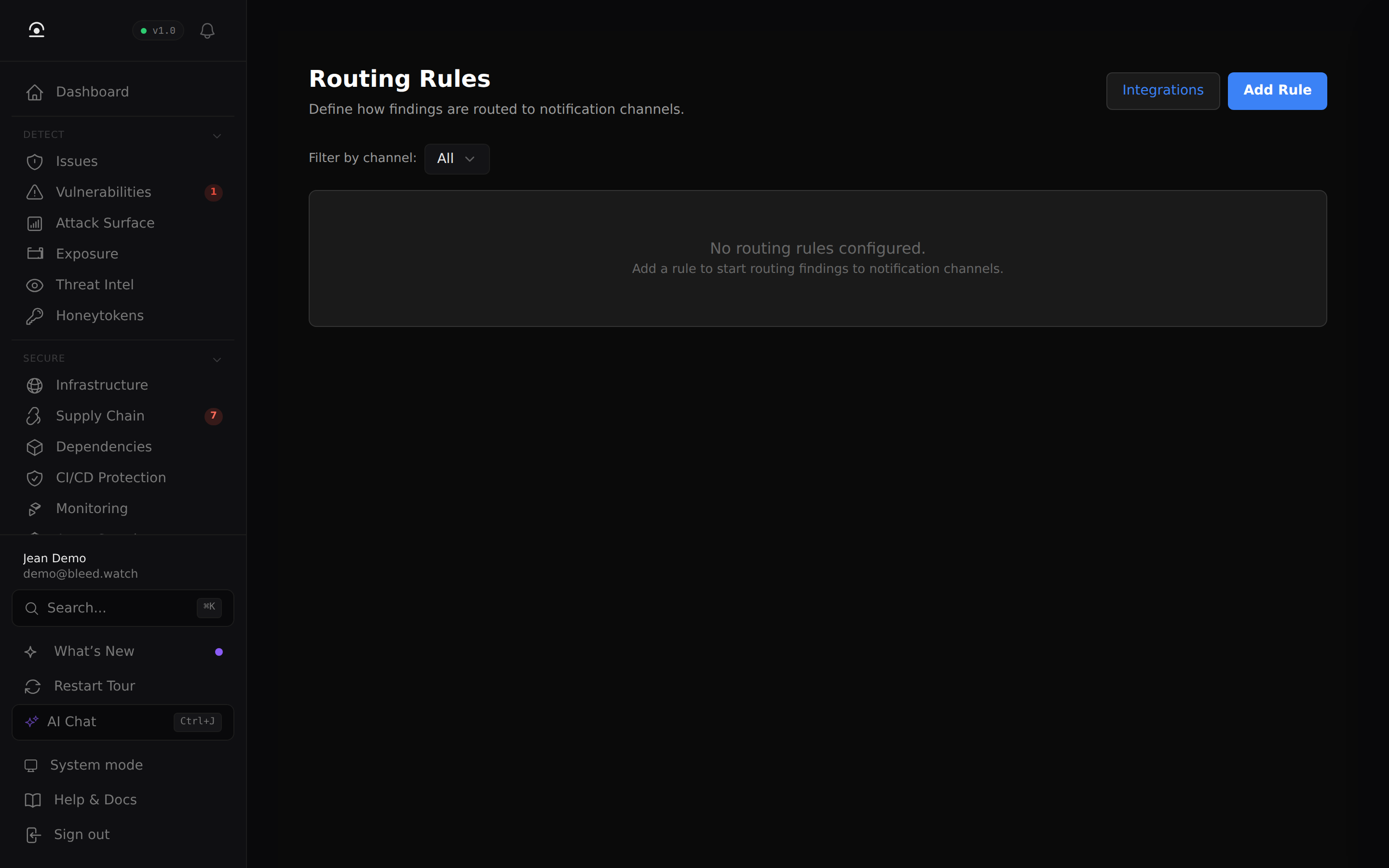
- Is the rule enabled? In Sentinel → Routing Rules, rules show a toggle — a disabled rule looks identical to an enabled one in code, but no dispatch happens.
- Does the severity match? Rules match on exact severity — a rule for
highdoes not fire oncriticalfindings. Create one rule per severity you care about (or use an "any severity" rule if available). - Does the finding type match? If the rule has a
findingTypeset, it fires only on that type. Leave it blank to match every type. - Is Observation Mode ON? Observation Mode (Sentinel → Config) overrides all rules — only the primary contact gets email. Disable it to enable rule-based routing.
If all five check out and the rule still doesn't fire, look at Sentinel → Activity for an alert-failed entry on that finding. The error message in details.error points at the real cause (usually channel-side — see below).
Per-channel issues
Slack / Microsoft Teams
| Symptom | Likely cause | Fix |
|---|---|---|
| No message in the channel | Webhook URL revoked | Rotate the webhook in Slack/Teams, update it in Settings → Notifications. |
| Message goes to the wrong channel | Webhook was created for a different channel | Webhooks are bound to a channel at creation time. Re-create the webhook in the target channel. |
| "Failed to send" in Activity | Slack/Teams rate limit (HTTP 429) | Temporary — BleedWatch retries once. Persistent 429s mean you have too many rules firing; narrow the triggers. |
| Message shows but severity color is wrong | You configured a custom theme in Slack | The payload sets color by severity; your Slack theme can override it. Expected behavior. |
Email
| Symptom | Likely cause | Fix |
|---|---|---|
| Email never arrives | Domain blacklisted our sender or SPF/DMARC rejection | Add [email protected] to your allowlist. Check your mail server logs for the bounce. |
| Email lands in spam | Your domain doesn't have SPF set for our sender | Expected for first-time sends. Mark as not-spam once; future emails should land in inbox. |
alert-failed with SMTP error | Your MX is down or rejecting the recipient address | BleedWatch retries up to 3 times over 10 minutes, then marks failed. |
Jira
See Jira → Routing rule matches, but no issue appears for the detailed checklist. Most common causes:
- Rule uses the wrong
projectKey(case-sensitive). - OAuth user lost
write:jira-workon the target project. - Refresh token expired (Jira card flipped to disconnected).
Linear
See Linear → Routing rule matches, but no issue appears. Most common causes:
- Wrong
teamId(UUID) on the rule. - Label UUIDs belong to a different team than the routing rule's team — Linear rejects the mutation silently from the user's perspective.
- OAuth user removed from the team.
ServiceNow
See ServiceNow → Routing rule matches, but no incident appears. Most common causes:
- OAuth user missing the
itilrole (ServiceNow returns HTTP 403 on incident creation). - Refresh token expired after 100 days.
- Application Registry
Redirect URLchanged after the initial OAuth.
Generic Webhook
| Symptom | Likely cause | Fix |
|---|---|---|
| Receiver gets the payload but signature doesn't match | You rotated the shared secret on one side but not the other | Re-sync the HMAC secret in Settings → Webhooks and on your receiver. |
alert-failed with HTTP 401/403 | Your receiver requires an auth header BleedWatch doesn't send | Webhook headers can be configured per-rule. Add Authorization: Bearer <token> there. |
| Timeout | Your receiver takes more than 10 seconds to respond | BleedWatch enforces a 10s hard timeout. Ack fast, process async on your side. |
Using a rule to debug
When you're not sure whether a rule matches, add a second rule for the same trigger pointing at a low-stakes channel (e.g. a dedicated Slack channel or your email). If the debug rule fires but the production rule doesn't, the problem is channel-side (credentials, scope, external API). If neither fires, the problem is rule-matching (severity, finding type, observation mode).
Remove the debug rule when done — findings that fan out to too many channels create real alert fatigue.
Escalation
If Sentinel → Activity shows a persistent alert-failed on a finding and the per-channel troubleshooting above doesn't resolve it within 15 minutes, open a support ticket including:
- The finding ID
- The failing rule's channel + config
- A screenshot or copy of the
alert-failedentry'sdetails.error
Our on-call can correlate with server-side logs (we redact the channel config automatically).